
ParabolaUpdated 9 months ago
Parabola is an AI-enabled workflow automation tool that helps support, CX, and operations teams turn messy, manual processes into automated workflows—no engineering required. With Parabola’s Gorgias integration, teams can pull ticket, customer, and conversation data into flexible workflows to create custom reports, reconcile information across systems, monitor performance, and trigger downstream actions automatically.
Instead of exporting CSVs, stitching together reports, or manually updating other tools when customer issues arise, Parabola lets you build repeatable processes that keep your support data clean, aligned, and always up to date. Combine Gorgias with platforms like Shopify, NetSuite, your 3PL, or internal databases to eliminate manual effort and improve visibility across your entire customer experience.
Common use cases
- Root-cause analysis: Pull order or shipment details out of ticket bodies and quickly spot what’s driving spikes in issues.
- AI ticket classification: Auto-label tickets into helpful categories like shipping issues, product questions, or returns—no manual tagging needed.
- CX performance dashboards: Build clear dashboards combining Gorgias metrics, CSAT/NPS, and order data to understand what’s working and what’s not.
- Agent context enrichment: Give agents instant context by enriching tickets with VIP status, recent orders, delivery delays, and more.
- SLA and escalation alerts: Keep tickets from slipping through the cracks with automated alerts for aging tickets, SLA risks, or volume surges.
- Custom integrations: Match Gorgias data with information from any other system to generate cross-system reports, or push data from siloed systems into Gorgias.
Together, these flows help CX teams work faster, understand issues sooner, and deliver a more reliable, high-quality support experience without all the manual effort.
Integration benefits
- Extend Gorgias with custom reports, alerts, and reconciliations. Customize any workflow that touches Gorgias data, all without code.
- Match data across systems by combining live Gorgias data with data from anywhere - from Netsuite and Shopify to your 3PL's WMS.
- Enrich Gorgias with data from any other system in your stack, and push Gorgias data anywhere. Whether it's a Slack alert or a Google Sheets export.
Steps
- From your Gorgias account, head to Settings → App Store → All Apps
- Find Parabola on the list
- After selecting the app, click on the Connect App button
- Log in to the app, and select “Getting started with Parabola” or “New flow”:

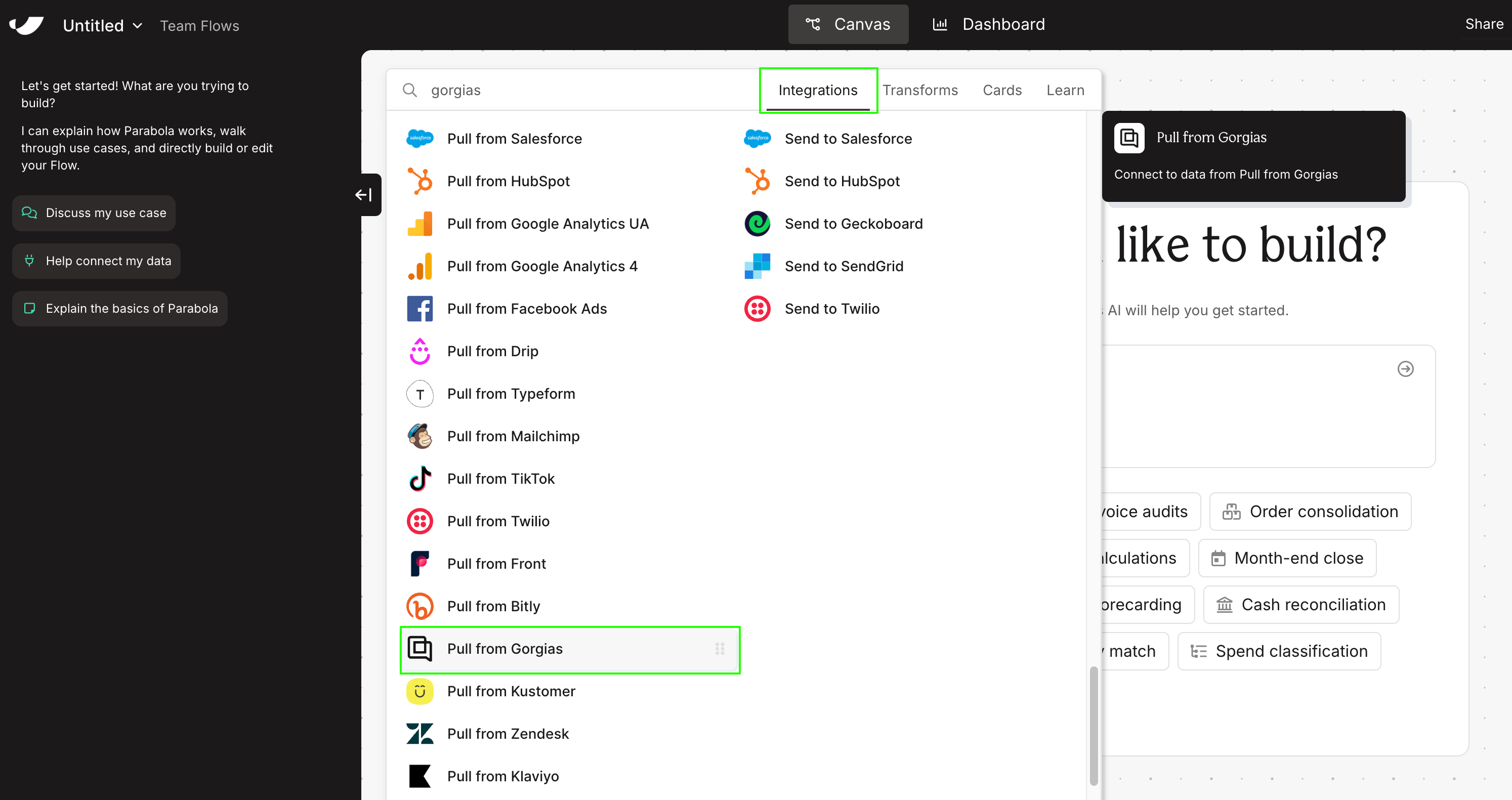
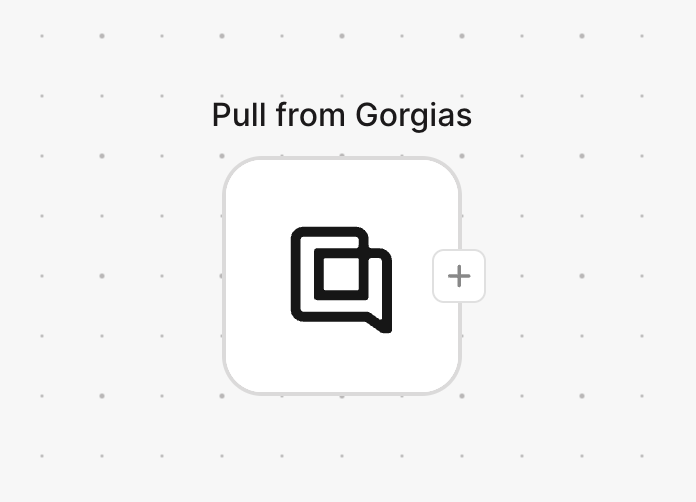
- Under the Integrations tab, locate Gorgias, and double-click the box when it appears:
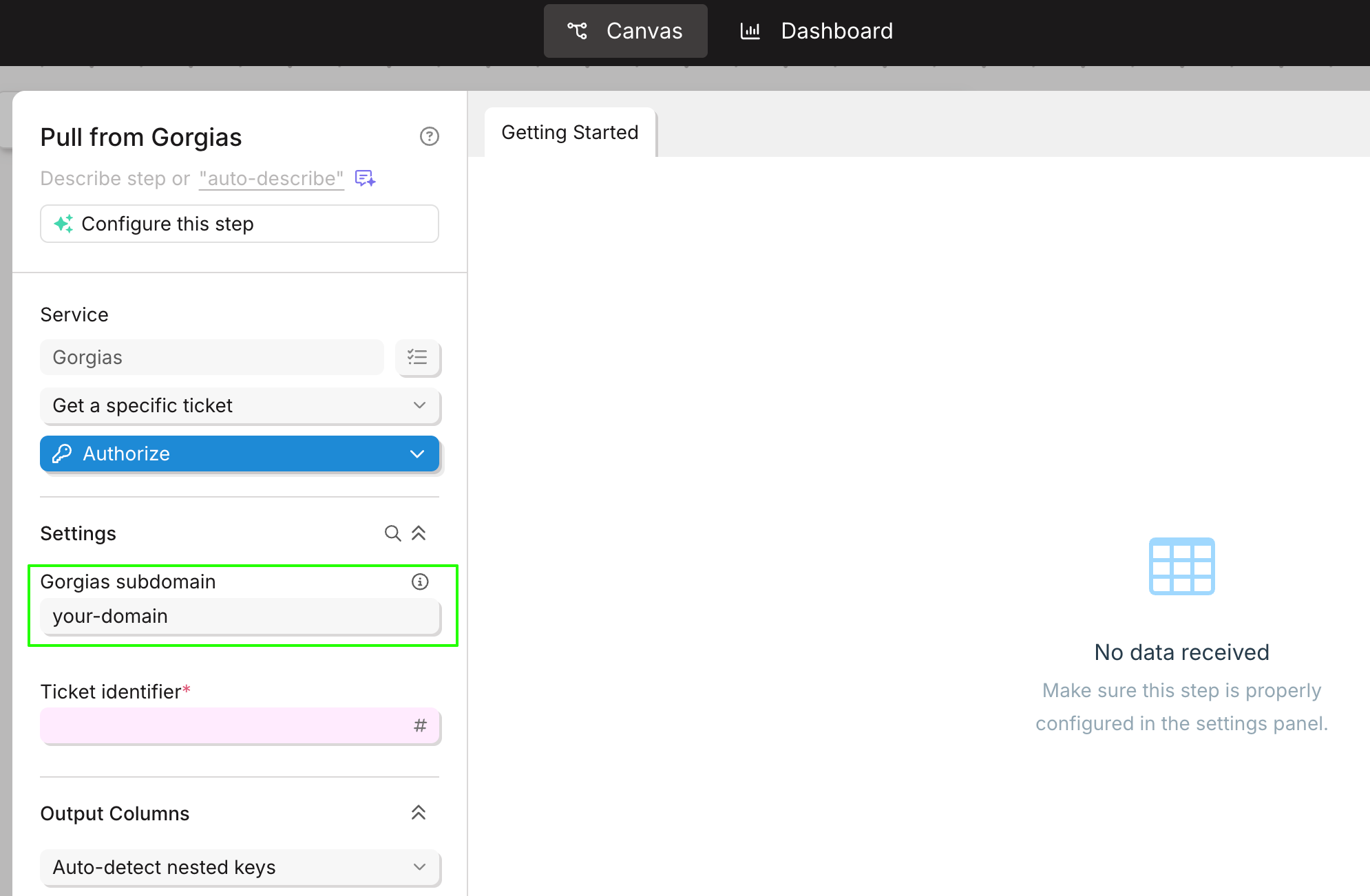
- Add your Gorgias subdomain in the highlighted area:
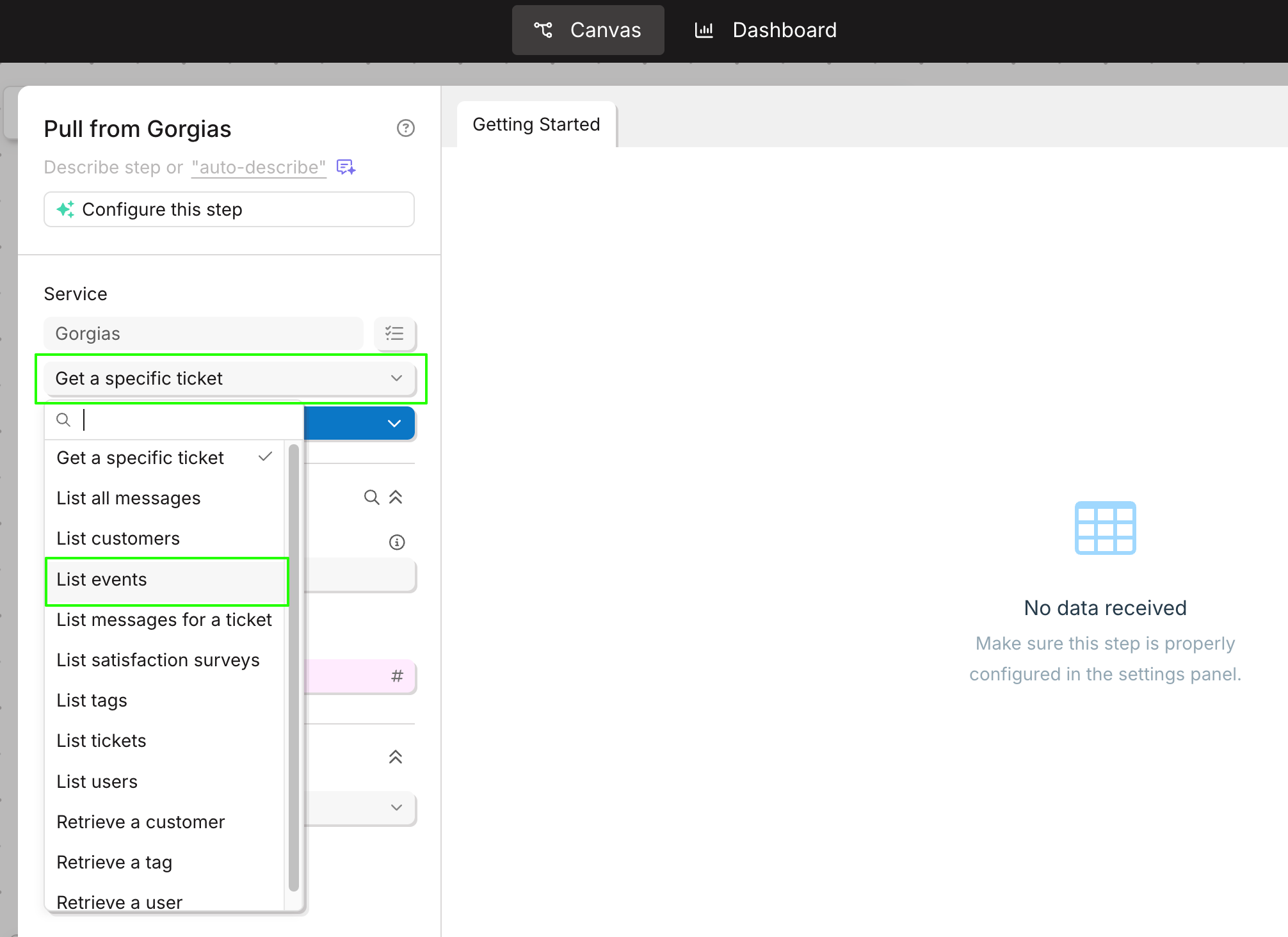
- Select the data you want to pull from Gorgias:
- Add your Gorgias subdomain again, and authorize the app:
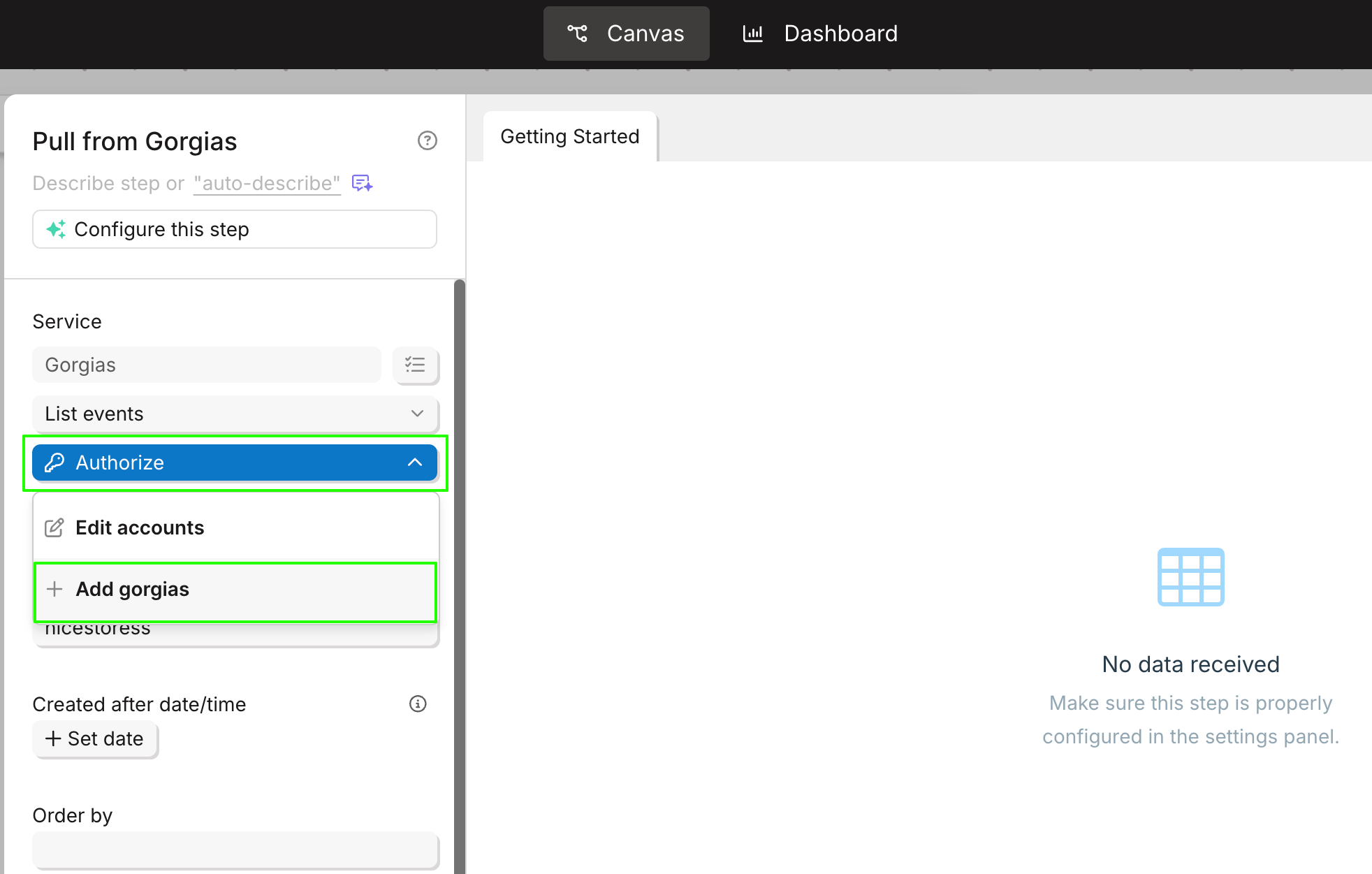
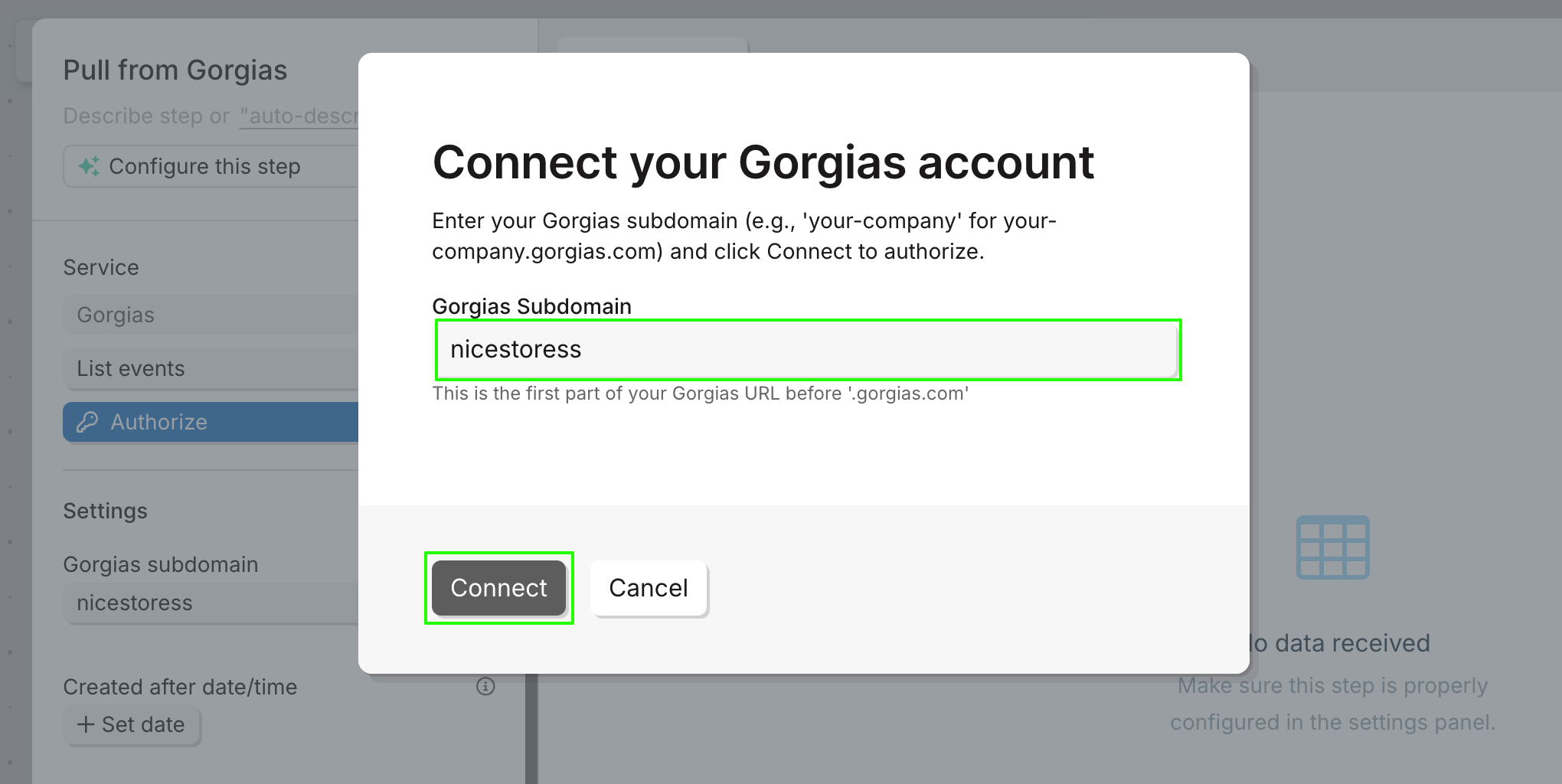
- Once connected, the results will be pulled onto that same page:
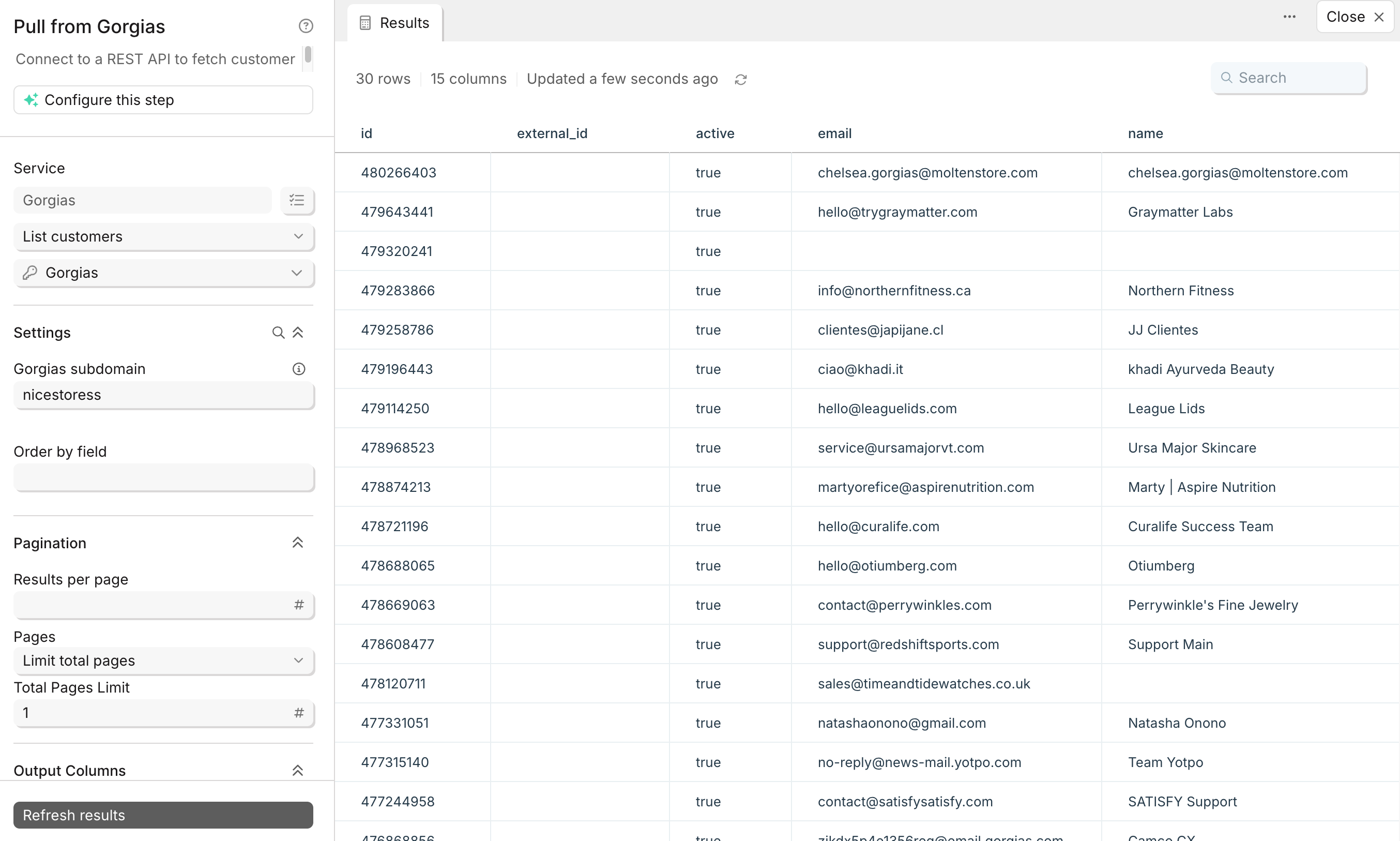
- After the installation is complete, there will be no HTTP integration in Gorgias!
Now, every time you wish to pull certain data, simply select the desired topic from the drop-down list, as well as the account you wish to pull the data from, under the ‘Authorize’ section, and update the results: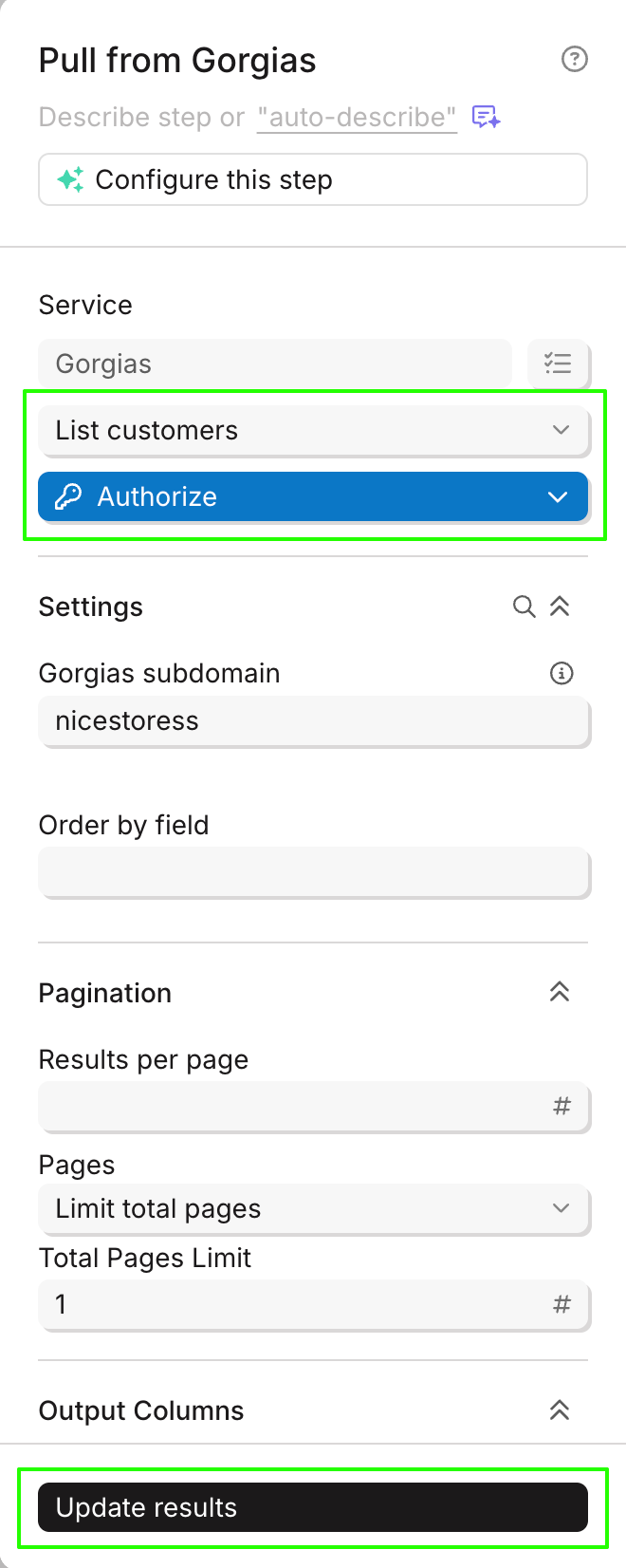
Available data
Using the Gorgias integration in Parabola, you can bring in:
- Tickets: Full ticket details including subject, status (open, closed, etc.), channel (email, chat, social), assignee information, customer details, tags, spam status, creation and update timestamps, and custom fields.
- Messages: Individual messages within tickets, including message body (HTML and plain text), channel, sender information (from agent or customer), and timestamps.
- Customers: Customer profiles with email addresses, names, external IDs, and associated customer data.
- Events: Ticket lifecycle events such as ticket creation, closure, assignment changes, and other activities with timestamps and event type details.
- Satisfaction surveys: CSAT survey data, including survey scores, send dates, and associated ticket IDs.
- Tags: All tags used in your Gorgias account for categorizing and organizing tickets.
- Users (Agents): Team member information, including names, email addresses, and user IDs.
