
PicaUpdated 3 months ago
Pica empowers developers to build, deploy, and scale intelligent AI agents equipped with the knowledge they need to act correctly the first time. With seamless access to over 150+ integrations, Pica ensures your agents retrieve the right context before taking action—eliminating trial-and-error and boosting efficiency.
With Pica’s Unified API, Gorgias users can access and manage their data in Pica and use it across 150+ verified integrations for seamless connectivity.
Steps
- From your Gorgias account head to Settings → App Store → All Apps
- Find Pica on the list
- After selecting the app, click on the Connect App button
- Log in to the Pica app and go to Connected Integrations → Add Connection → Gorgias, and add your subdomain:
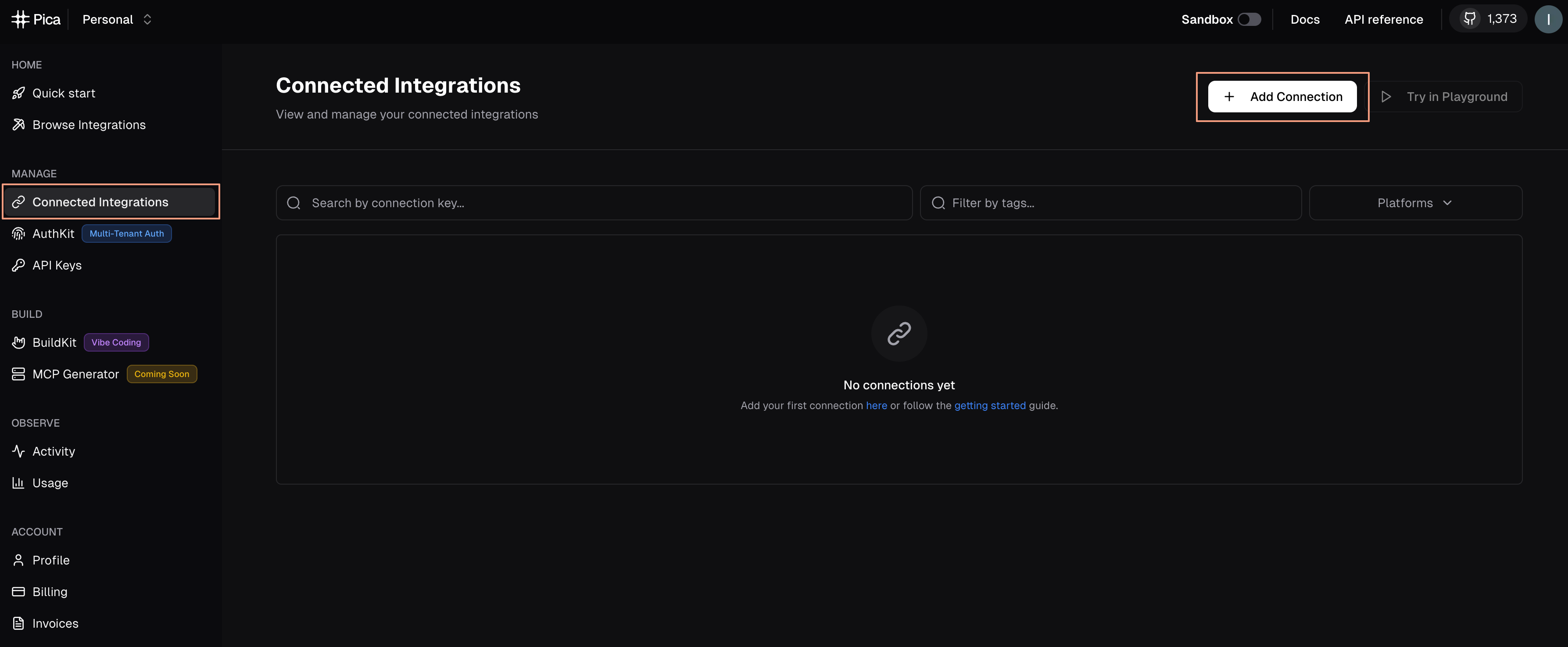
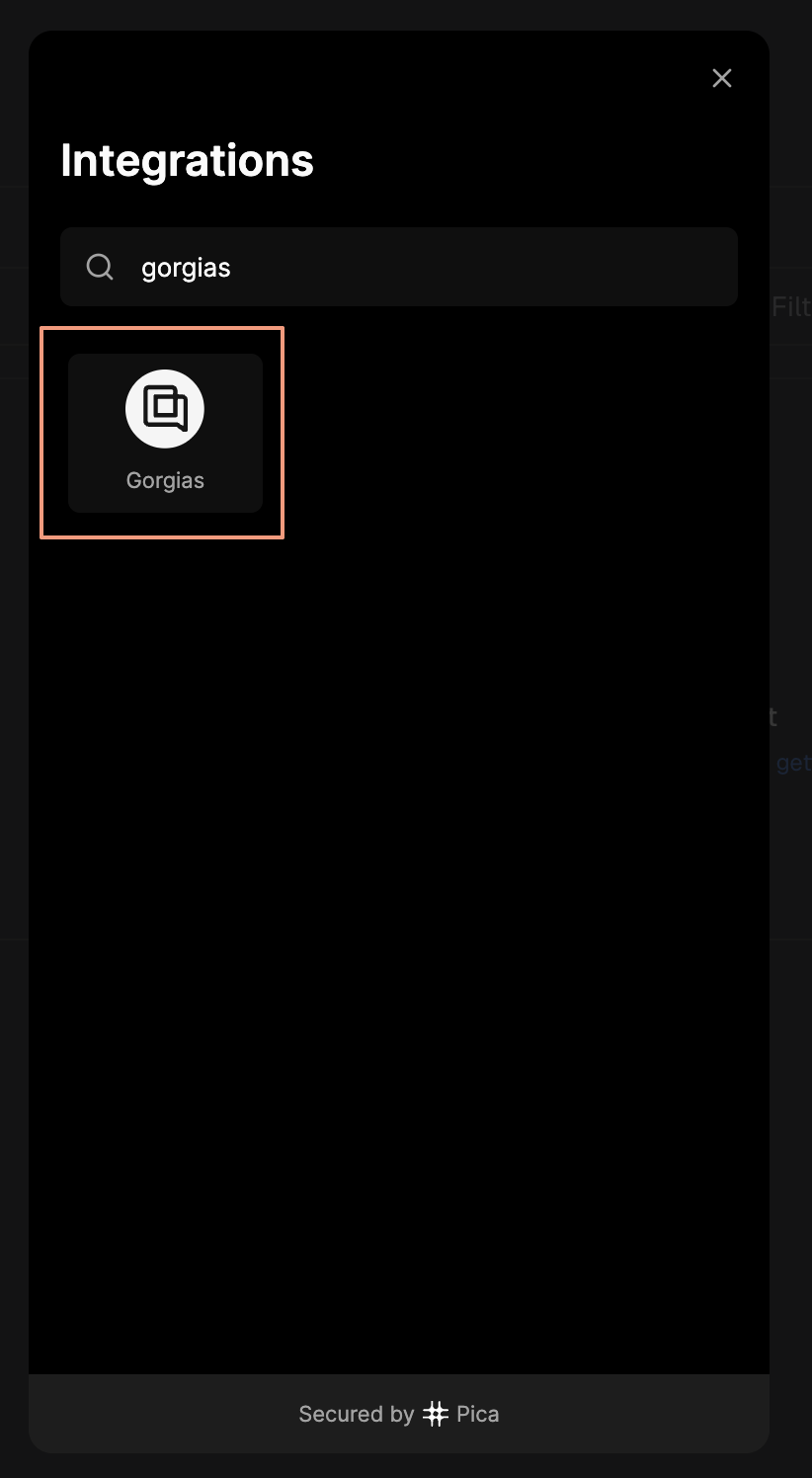
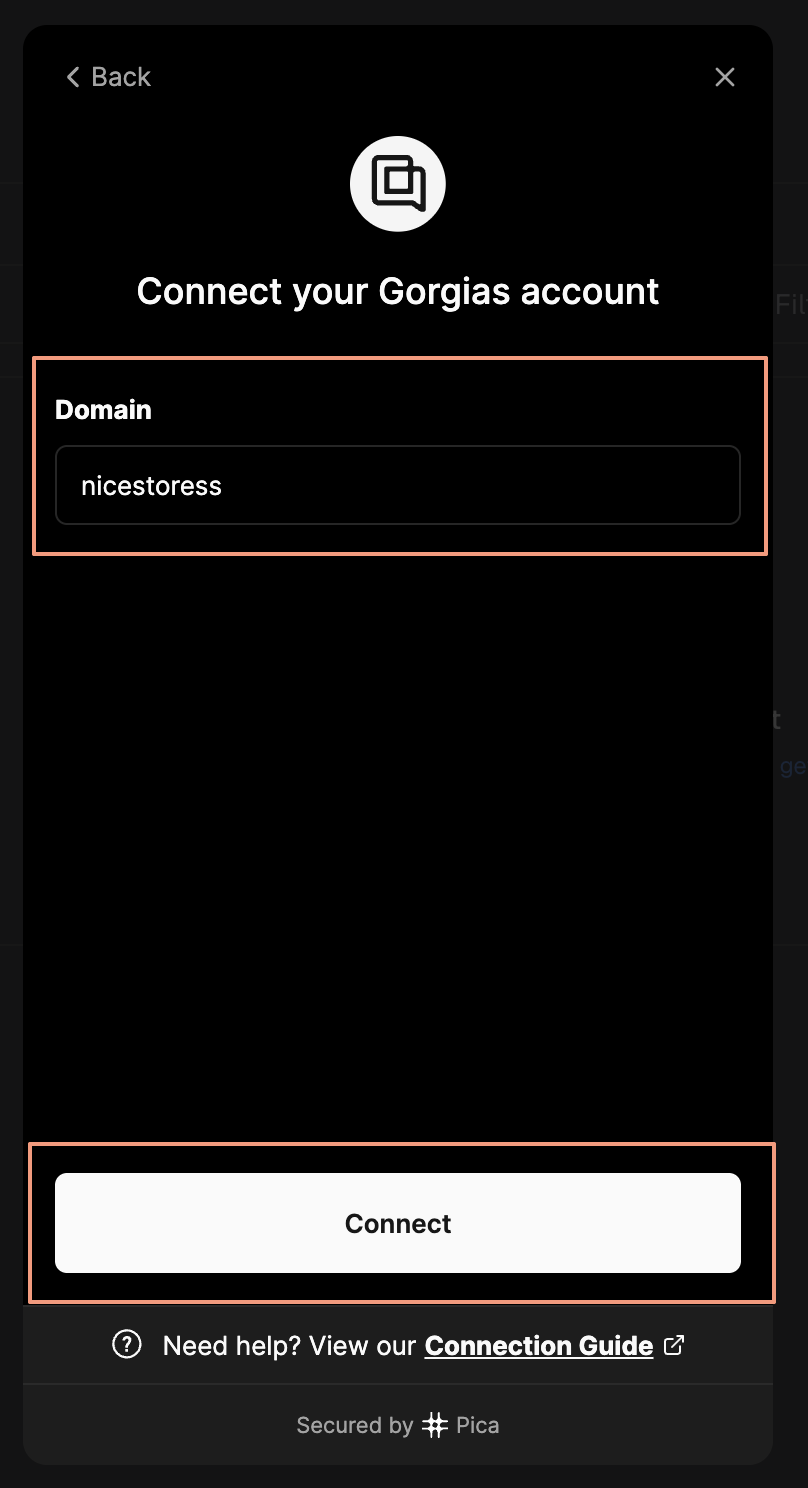
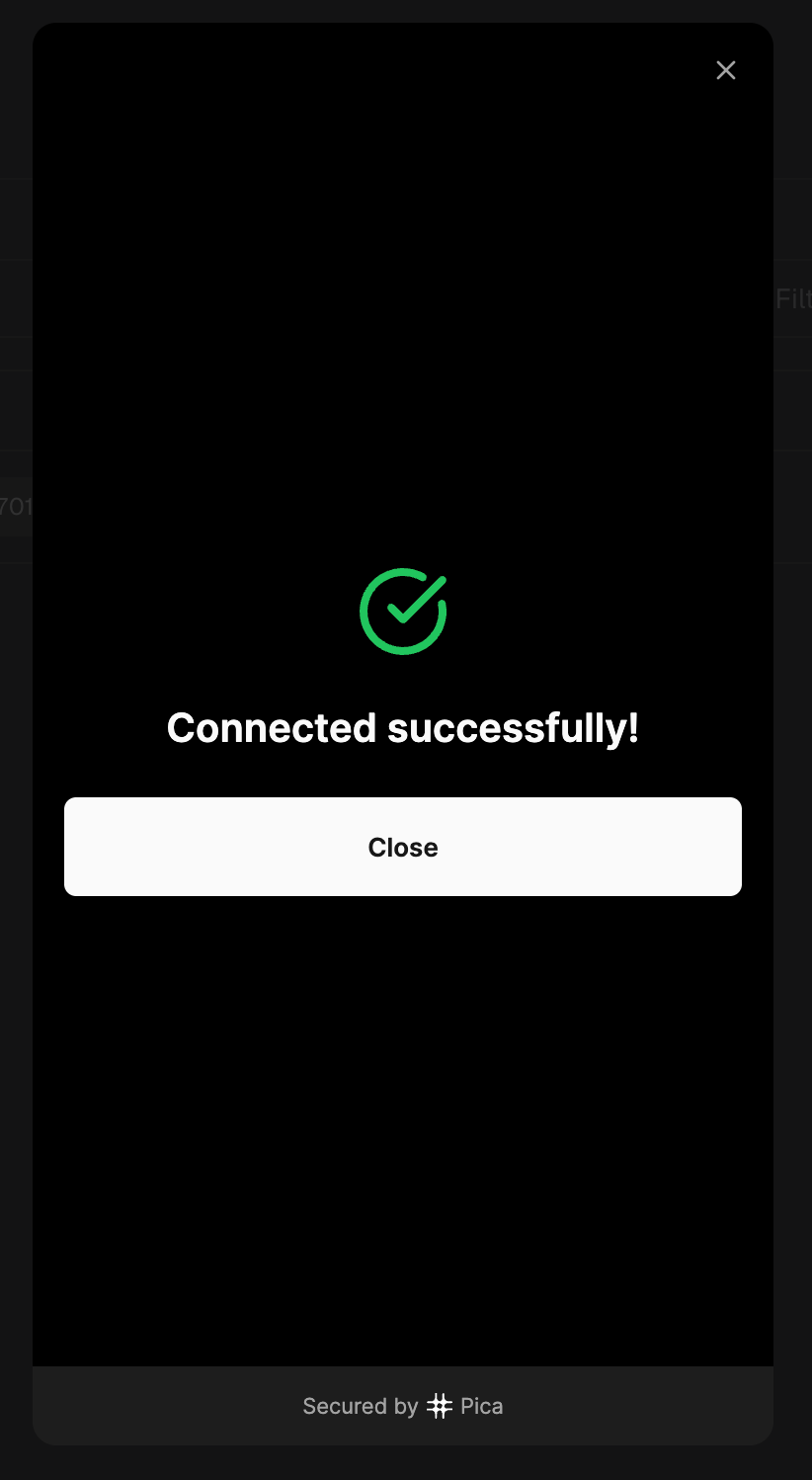
- Connect and authorize the app
- Once done, there will be no HTTP integration created!
After the setup is successful, click on "Playground" on the main page beside "Add Connection". Type in "Fetch my Account Details from Gorgias", and it should use the connected Gorgias Integration to retrieve all the requested details from your Gorgias Account: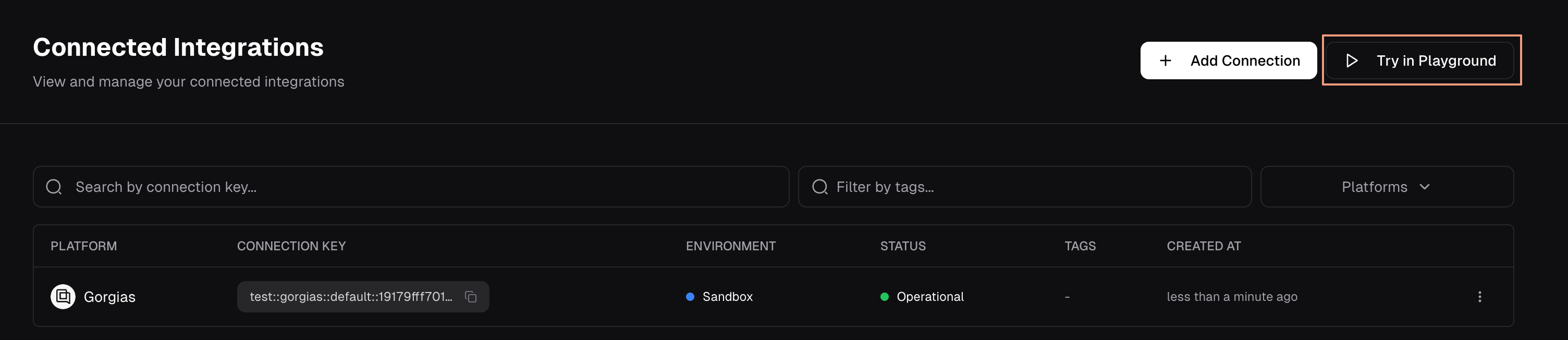
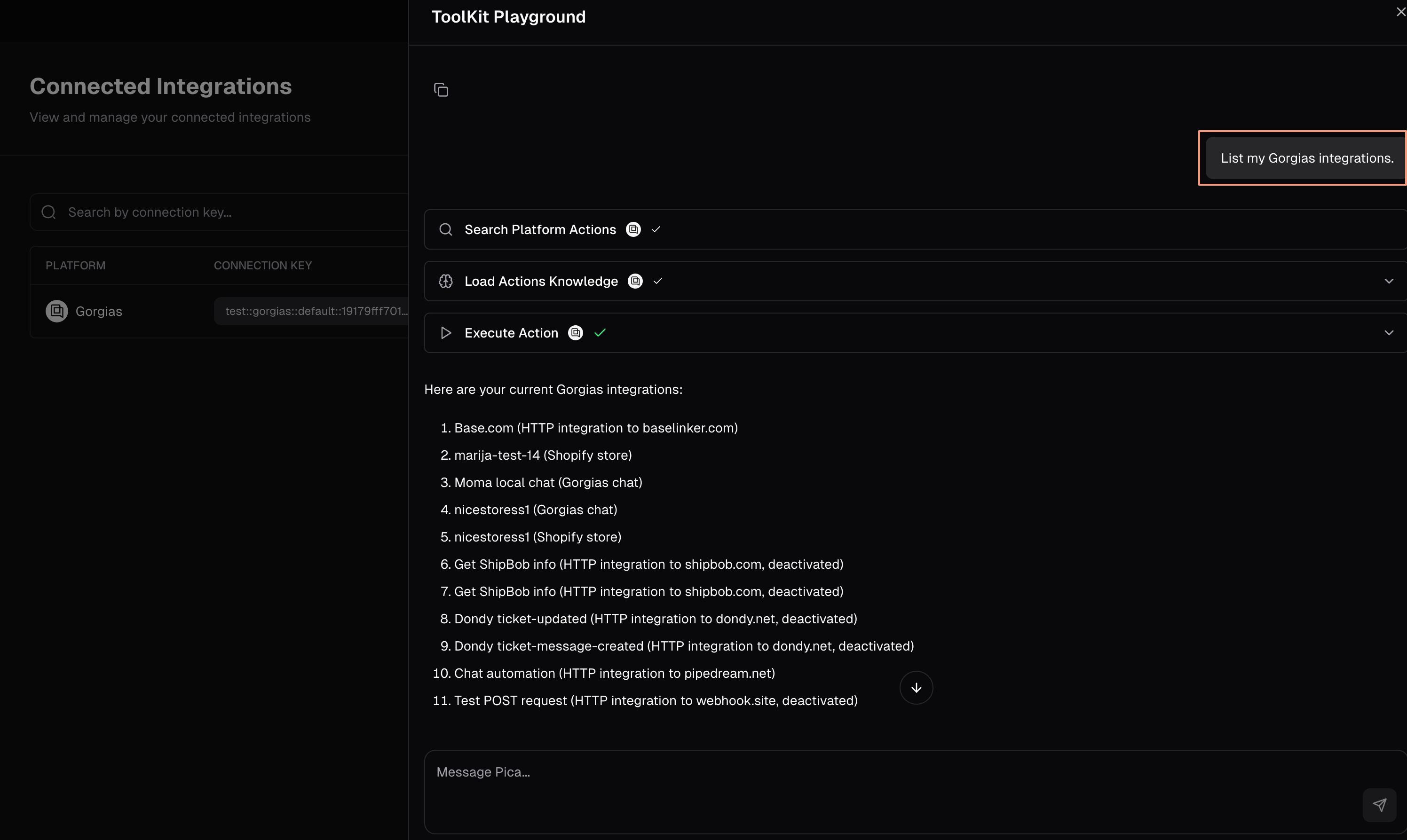
You can send any command you like, such as information on a specific integration: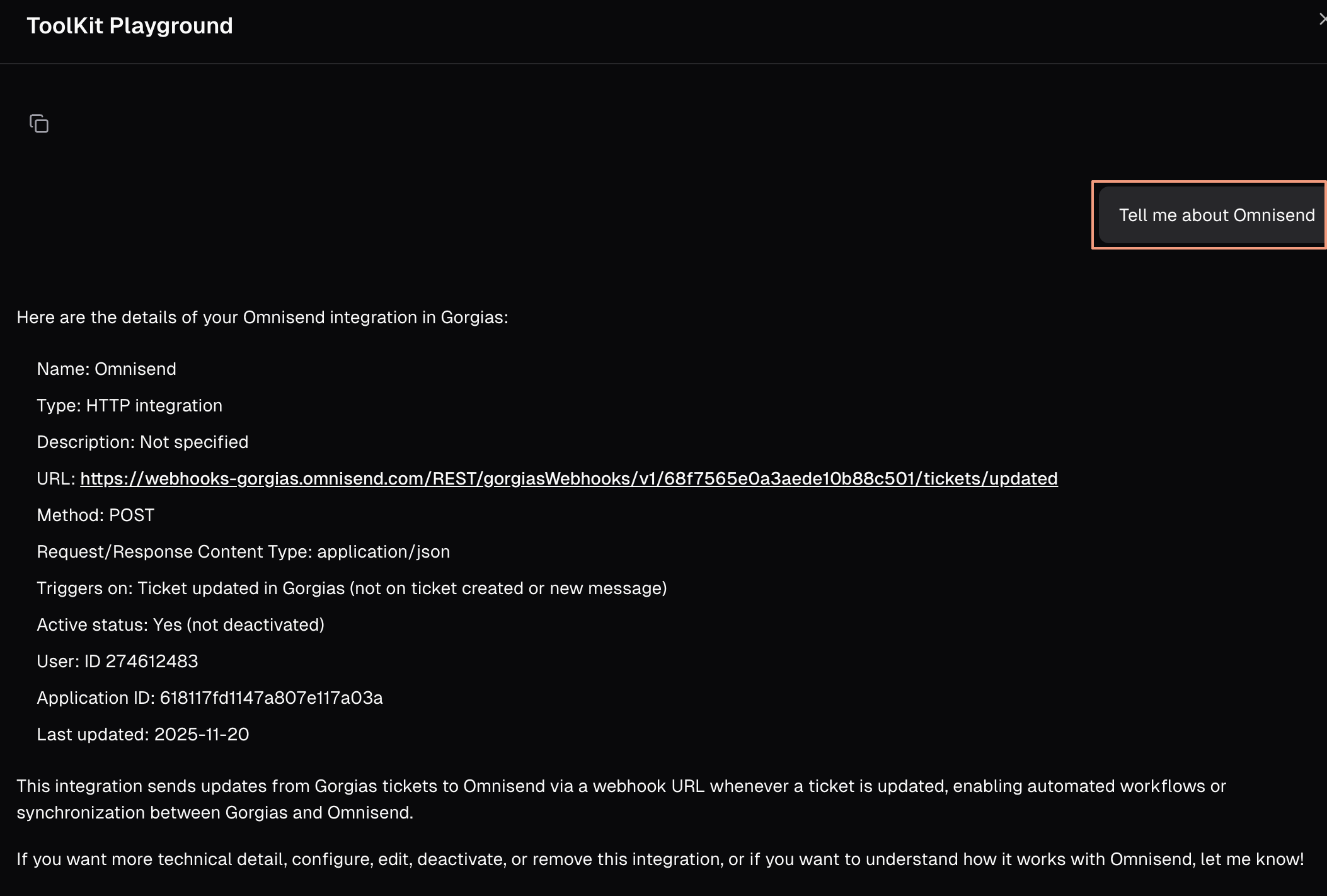
Check this video guide on how to use Pica with Gorgias’s API to build different flows, and to update the data available in your Gorgias account, as well as create new records.
FAQ
You can integrate multiple Gorgias accounts into a single Pica account, as well as a single Gorgias account to multiple Pica accounts.
