PureProfit.aiUpdated 8 days ago
PureProfit connects to your Gorgias helpdesk to sync customer service data, including tickets, satisfaction scores, response times, and agent performance metrics. This enables unified profitability analytics by correlating support costs with revenue data across your e-commerce stores. The integration reads ticket data, customer information, agent stats, and satisfaction surveys to provide actionable insights in the PureProfit dashboard.
Integration benefits
- Unify customer support metrics with revenue data to measure the true cost of service per order and identify profit-draining support patterns.
- Track ticket volume, response times, and CSAT scores alongside e-commerce performance to optimize support staffing and reduce operational costs.
- Surface actionable insights by correlating helpdesk data with order profitability, enabling data-driven decisions on returns, refunds, and customer retention.
Steps
- From your Gorgias account, head to Settings → App Store → All Apps
- Find PureProfit.ai on the list
- After selecting the app, click on the Connect App button
- Log in to the app and go to Settings → Integrations → Gorgias
- Add your subdomain and authorize the app
- Once installed, there will be no HTTP integration created!
- As soon as the setup is complete, a sync of your Gorgias data will be initiated:

Once the initial sync is completed (which can take up to 24 hours), you will start seeing the following data sync:
| Data | Update frequency |
|---|---|
| Ticket volume and status | Daily |
| Average first response time | Daily |
| Average resolution time | Daily |
| CSAT score | Daily |
| Ticket tags and categories | Daily |
| Agent performance metrics | Daily |
If the data hasn’t synced and is still missing after 48 hours, disconnect the integration and reconnect it under Settings → Integrations → Gorgias.
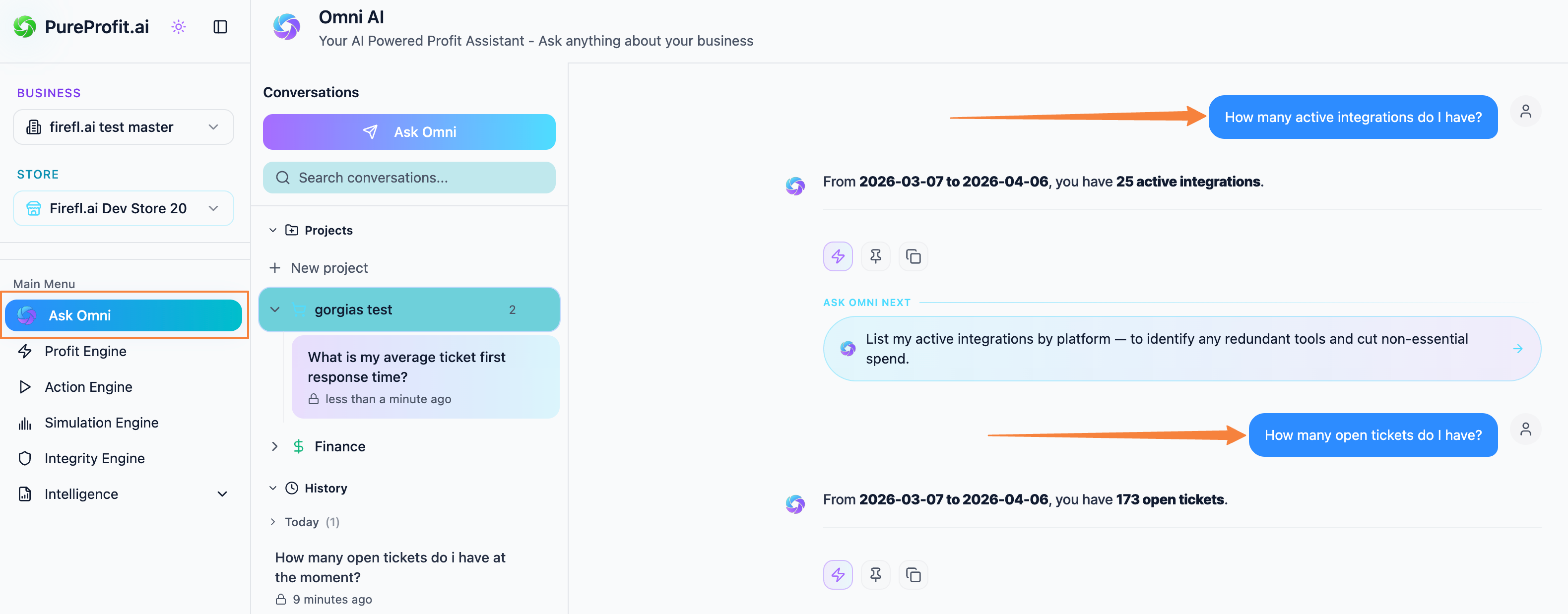
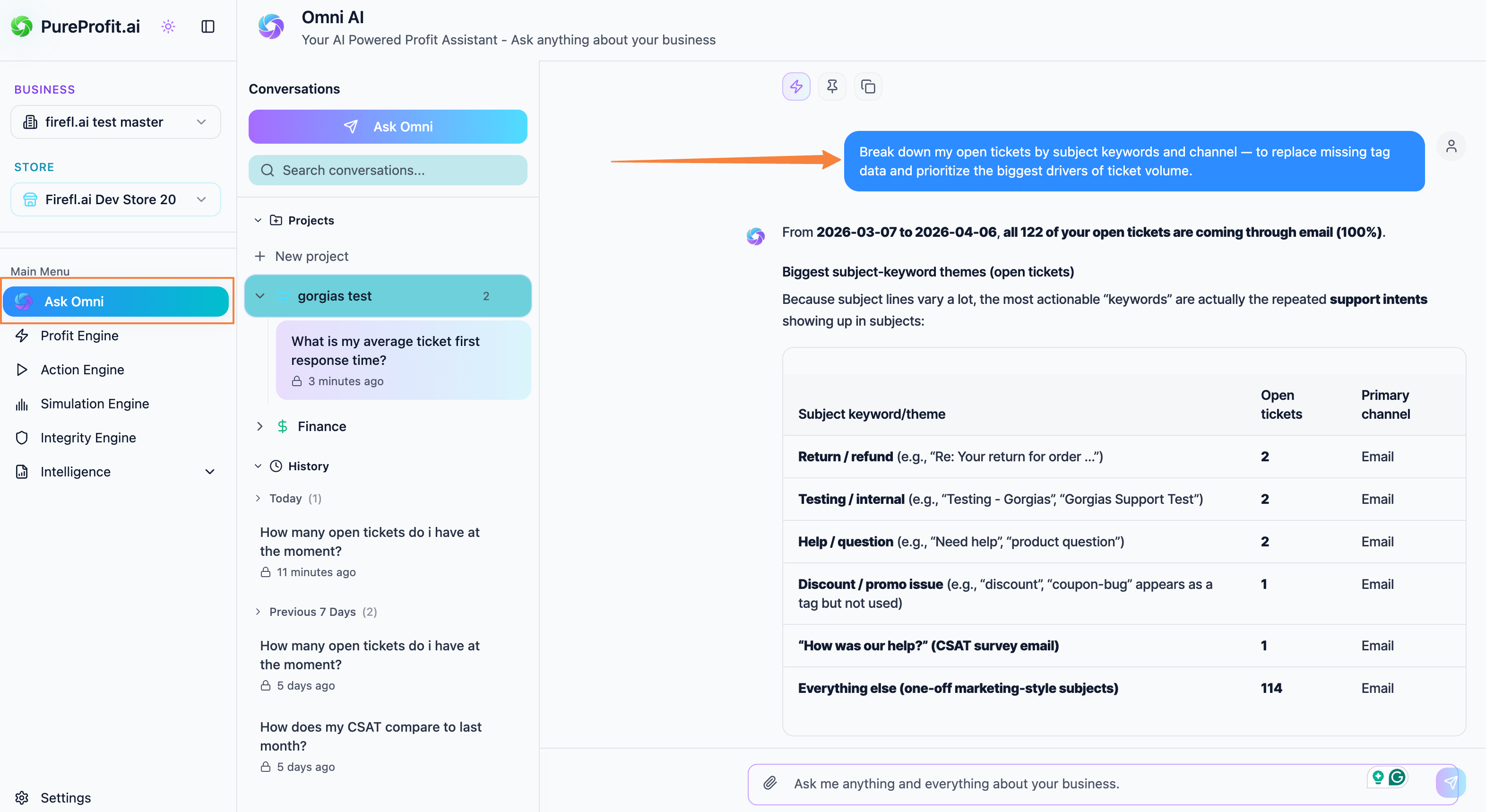
Once the data is synced, you can use Omni AI to pull the data you wish: