
IntrycUpdated 7 months ago
Intryc is an AI-powered platform transforming how companies manage quality assurance, coaching, and training of CX teams.
By installing Intryc on Gorgias, you can leverage your conversation messages, details, events, calls, macros, and knowledge sources to automate your QA and analyse 100% of your conversations. You can get insights on your agents’ performance and knowledge gaps and deliver tailored coaching and training through role-playing simulations and quizzes.
Intryc supports comprehansive review, dispute, calibration, coaching, and training workflows, detailed reporting, along with integrations to knowledge bases, LMS systems, and Slack.
Founded in 2024 by former engineers and go-to-market leaders from Meta, Amazon, Revolut, and Confluent, Intryc is backed by Y Combinator and has raised more than $4 million from investors including General Catalyst, Sequoia Scouts, Episode 1, and e2vc.
Global multimillion dollar companies and fast growing start-ups like Deel, Blueground, Preply, Deliverect, Djamo, and SadaPay, have streamlined and scaled their QA process while driving their overall costs down.
Integration benefits
- Automate QA and analyze up to 100% of conversations and get actionable customer insights and agent performance feedback.
- Spot underperforming agents and uncover knowledge or process gaps with real-time reporting and personalized insights.
- Deliver tailored coaching sessions and scenario-based simulations using real conversations to close gaps and elevate both new and experienced team members.
Steps
- From your Gorgias account, head to Settings → App Store → All Apps
- Find Intryc on the list
- After selecting the app, click on the Connect App button
- Log in to the Intryc app with your Intryc account name (located in the lower left corner of the app), and go to Settings → Connections → Gorgias:
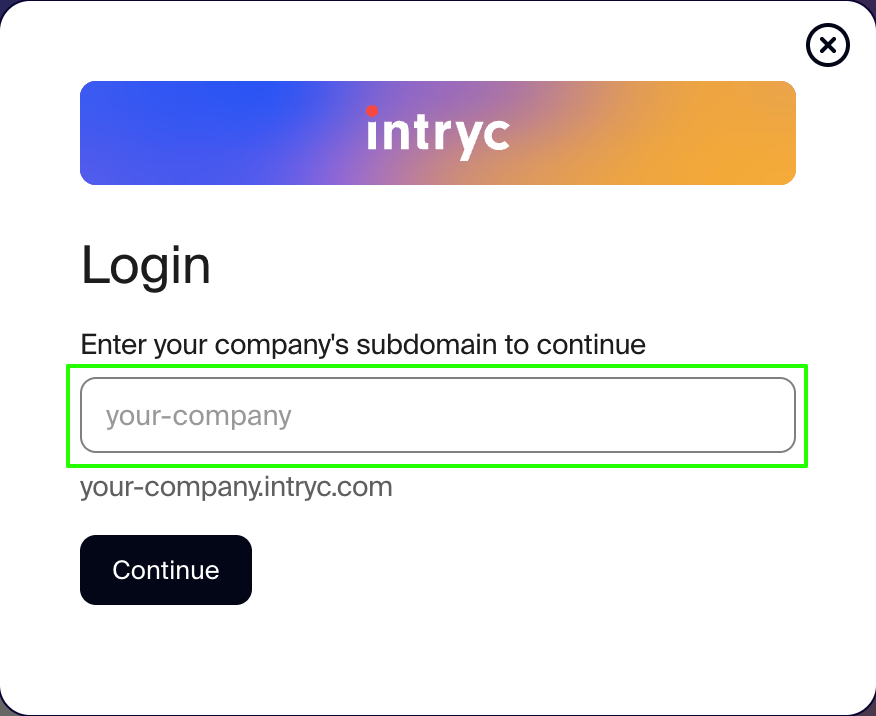
- Add your Gorgias subdomain and the date you want to sync your Gorgias tickets from (up to the last 3 months)
- Authorize the app
- Once installed, there will be no HTTP integration created!
Once the app is connected to your Gorgias account, the tickets will be imported, and can be found under the Tickets tab: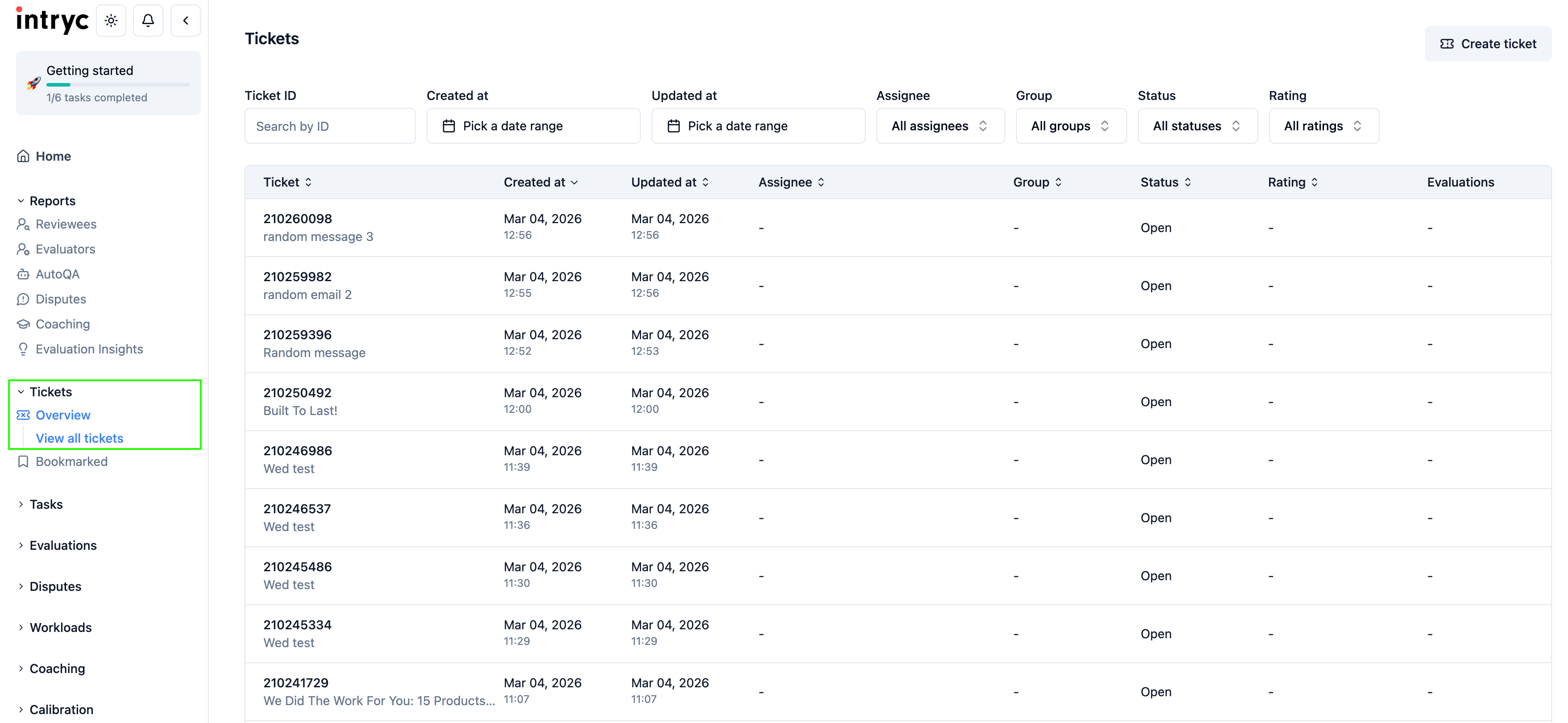
You can select a ticket to view and/or evaluate, and you can also follow the link and open the ticket in Gorgias, and you can also search the Intryc app using the Gorgias ticket ID:.png)
FAQ
- Incremental syncs for ticket import run every 2 hours by default, and there is currently no option to trigger a sync manually. This means that if a ticket is modified by adding a tag, for example, it will be refreshed on the next sync, and the tag will appear.
- Each Intryc account can be connected to a single Gorgias account at the moment.
