Synctrack ReturnsUpdated 6 months ago
Looking for a smarter way to manage returns? Synctrack Returns & Exchanges (RMA) helps you streamline the entire process with a self-service return portal, automated label generation, flexible refund options, and powerful analytics, creating a seamless post-purchase experience. With integrations across 2,900+ carriers and real-time sync orders with Shopify, you can manage all return operations in one place while saving time with 24/7 live chat support.
- Boost customer loyalty with a self-service return portal and automated notifications
- Automate return labels and tracking with 2,900+ carrier integrations
- Reduce refunds by promoting exchanges, store credit, gift cards, or discount codes
- Auto-sync return status with Shopify and build unlimited return rules & workflows
- Supports Shippo, Sendcloud, FedEx, Australia Post, ShipStation, EasyPost & more
The integration with Gorgias further enhances your workflow by enabling support teams to manage returns and exchanges directly within their helpdesk.
Support agents can view detailed return data from Synctrack inside Gorgias, respond instantly using pre-built Macros, and initiate return or exchange requests without switching between platforms. By reducing manual steps and centralizing operations, this integration improves efficiency, speeds up ticket resolution, and delivers a better post-purchase experience.
Available on Premium & Enterprise plans.
Integration benefits
- View all Synctrack return details in Gorgias, including RMA, order info, refund value, and status—helping support teams respond faster without switching apps.
- Stay on-brand with Gorgias Macros to send personalized, pre-made Synctrack responses while auto-tagging return tickets for easier tracking and management.
- Let customers start returns via the Synctrack portal while agents create returns faster with pre-filled emails, boosting efficiency and support speed.
Steps
- Install Synctrack Returns in your Shopify account
- From your Gorgias account, head to Settings → App Store → All Apps
- Find Synctrack Returns on the list
- After selecting the app, click on the Connect App button
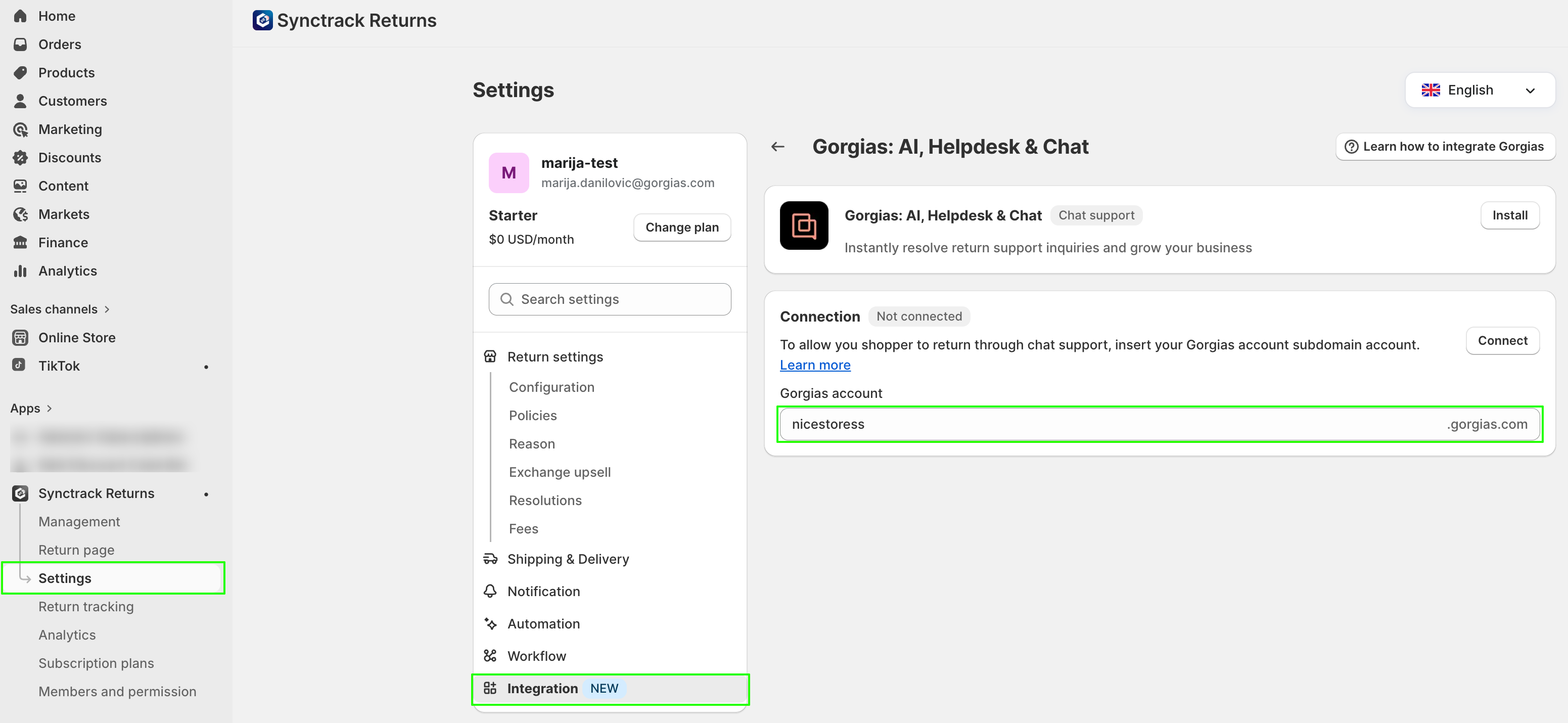
- In the app in Shopify, go to Settings → Integration → Gorgias. Click on Set Up and add your Gorgias subdomain:
- Authorize the app
- Once installed, an HTTP integration will be created:

- There will also be two macros auto-created along with the integration:

When a customer with Synctrack Returns data creates a ticket, the widget will populate in the sidebar: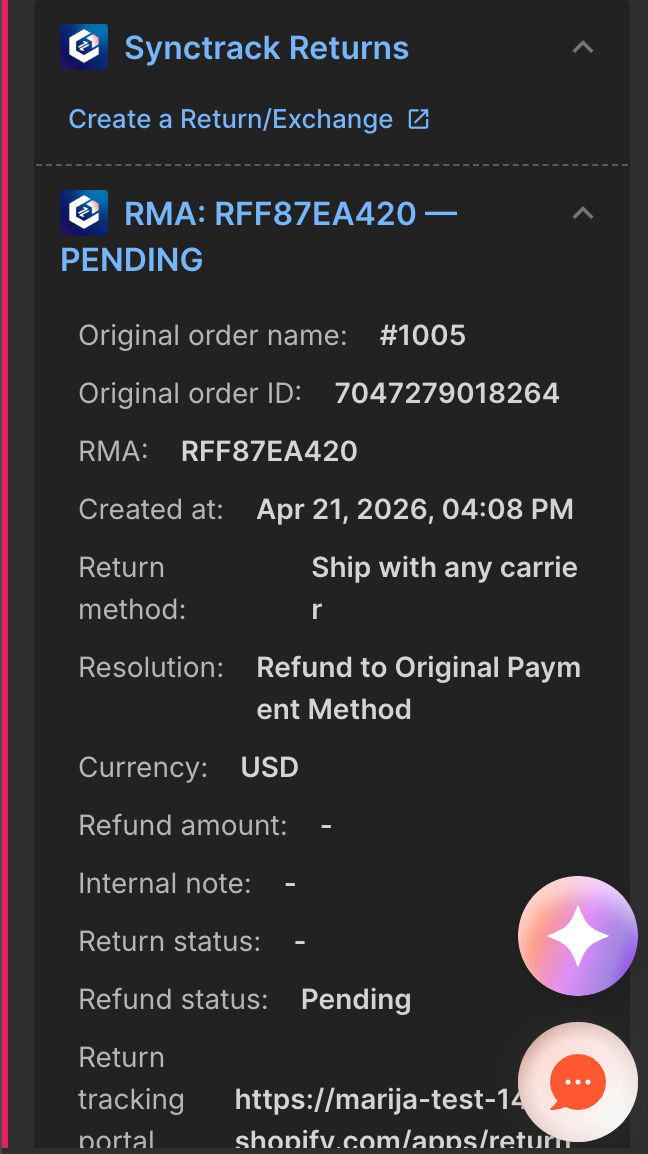
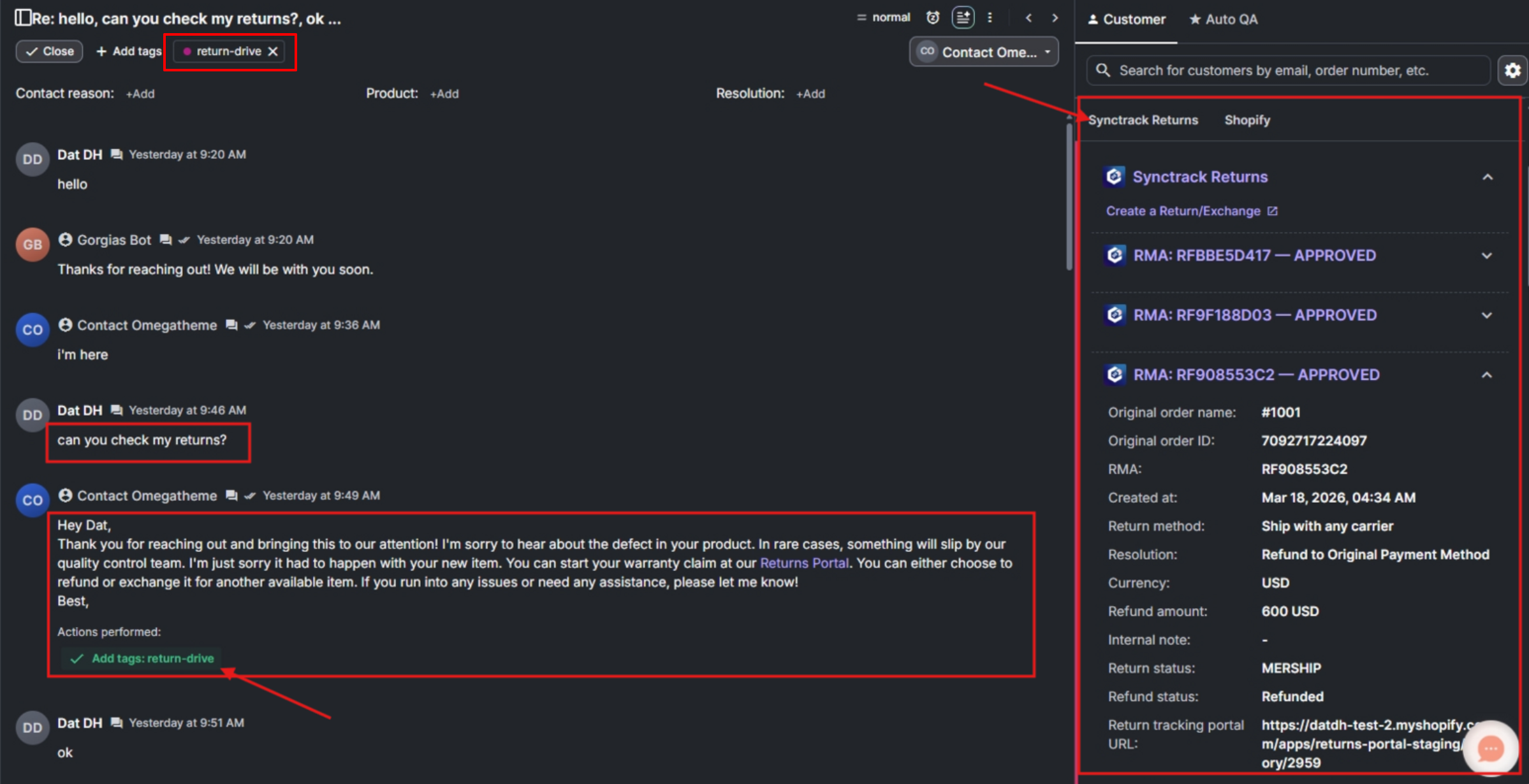
You can reply to the customer’s order inquiry by applying the Synctrack Returns Instructions macro, which will tag the ticket accordingly: