How to update your Shopify app permissions in GorgiasUpdated 4 months ago
Who can use this feature?
Connecting Shopify to Gorgias unlocks capabilities across your helpdesk and AI Agent. Your support team can view customer profiles and order history alongside every ticket, and take actions in Shopify — like canceling or refunding an order — without leaving Gorgias. AI Agent draws on the same connection to look up orders, check product availability, and respond to shoppers with accurate, store-specific answers.
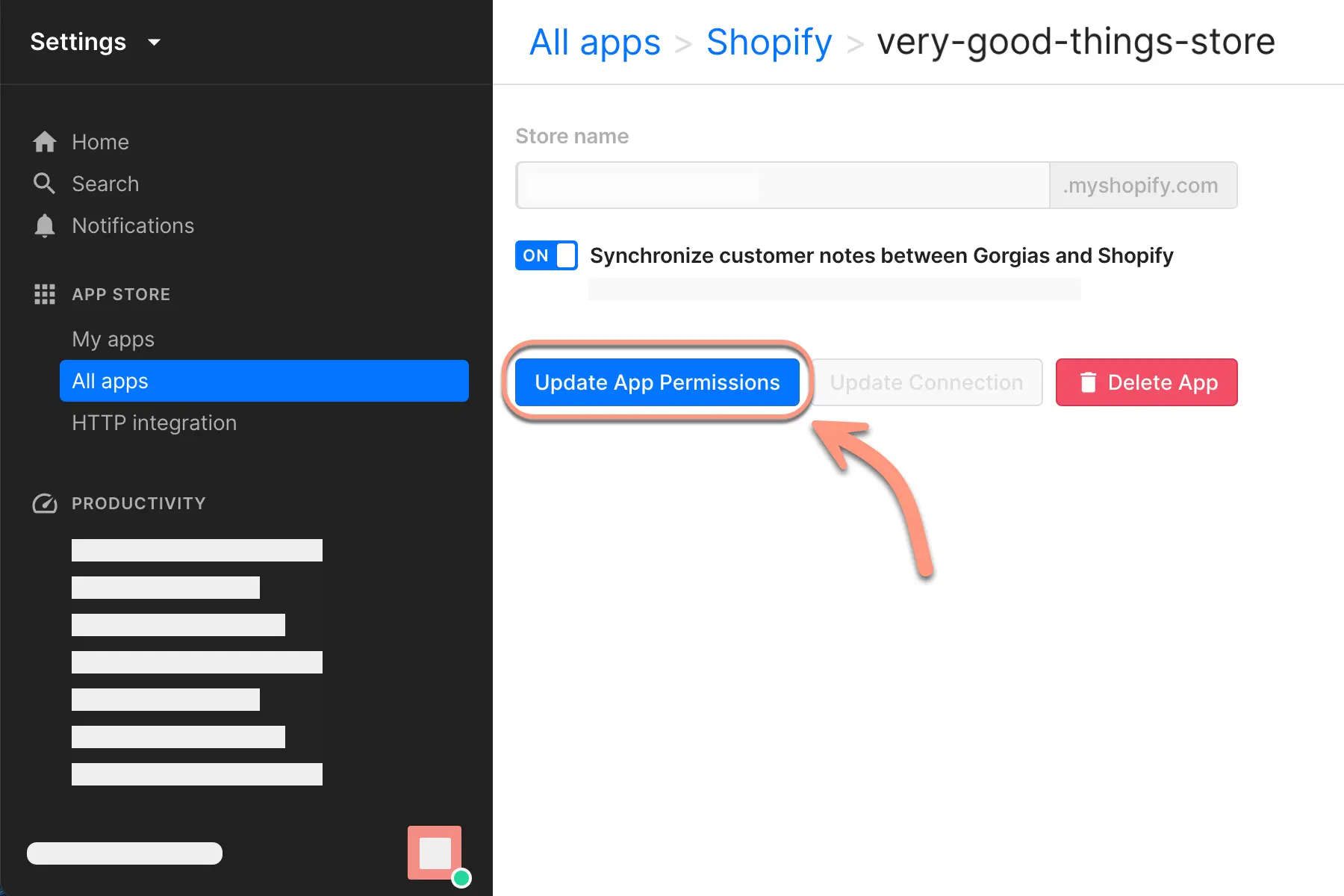
To support these capabilities, Gorgias requests specific data access from your Shopify store when you connect it. As Gorgias adds new features, it may need access to additional data — and the scopes granted at your original connection may not cover them. When that happens, you'll see an Update App Permissions button on your Shopify integration settings page.
If you don't see the button, your permissions are already up to date and no action is needed.
You must have an Admin role in Shopify to complete this task.
Update your app permissions
- Go to Settings > My Apps, then select Shopify.
- Select your store, then select Update App Permissions.
- Sign in to Shopify to confirm the updated permissions.